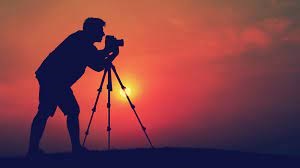
- Module 1: Introduction to Descript - Setting up your account and navigating the dashboard.
- Module 2: Text-Based Editing - The fundamentals of cutting, pasting, and deleting your footage using the transcript.
- Module 3: AI Magic Tools - Applying Studio Sound and removing filler words.
- Module 4: Visuals & Layouts - Adding captions, B-roll, and custom scenes for engaging tutorials.
- Module 5: Exporting & Sharing - Finalizing your video and publishing for students
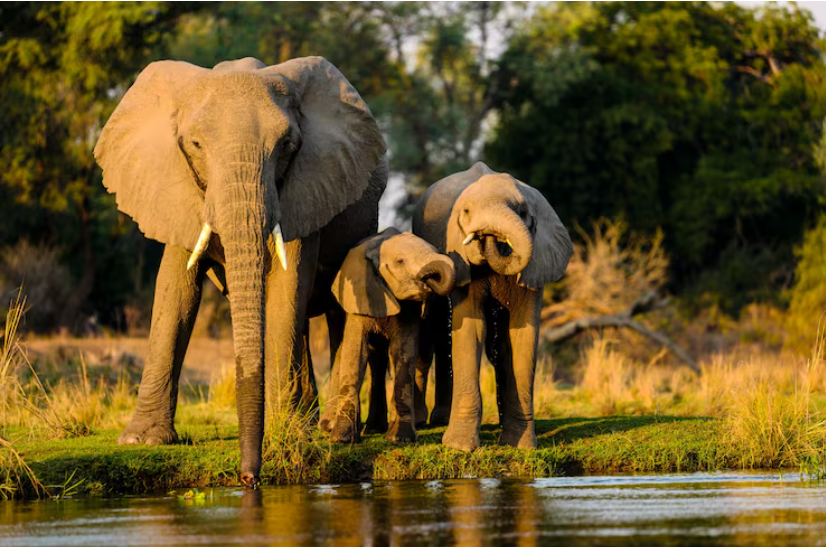
About This Course
Course Highlights

Course Highlight
Course Highlight desc
- Edit your video footage as easily as editing a text document.
- Enhance audio quality with a single click using Studio Sound.
- Automatically remove filler words and awkward silences.
- Add custom layouts, B-roll, captions, and visual elements
Sony Camera wildlife photography
Test your knowledge
1 - Why are Sony cameras popular for wildlife photography?
2 - Which autofocus mode should be used?
3 - What shutter speed is recommended ?
4 - quest
Instructor
Areas of Expertise: DSLR & mirrorless camera operation, manual exposure settings, portrait photography, lighting techniques, composition, and beginner video production.
Teaching Experience: Trained over 2,000 students through online and classroom workshops since 2018.
Achievements:
- Featured photographer for regional tourism campaigns.
- Conducted photography workshops for colleges and corporate teams.
- Published photo essays in digital photography magazines.
Course Role: Responsible for live demonstrations, assignment reviews, doubt-clearing sessions, and practical camera handling guidance.

Shubham Kumar chak
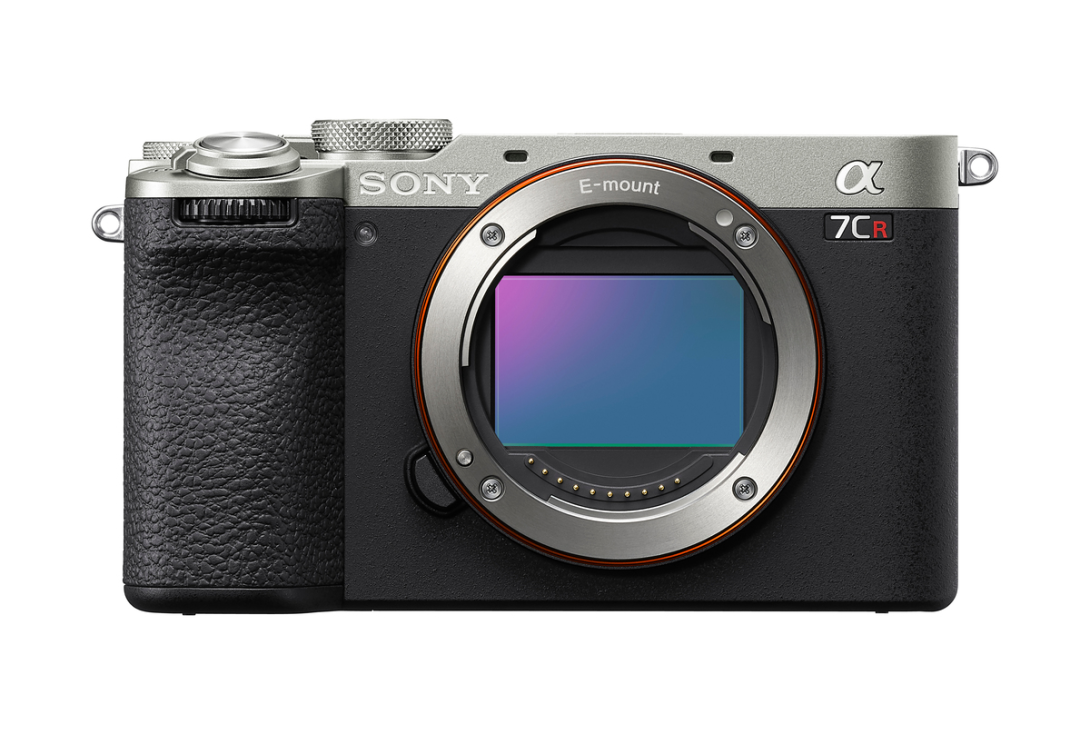
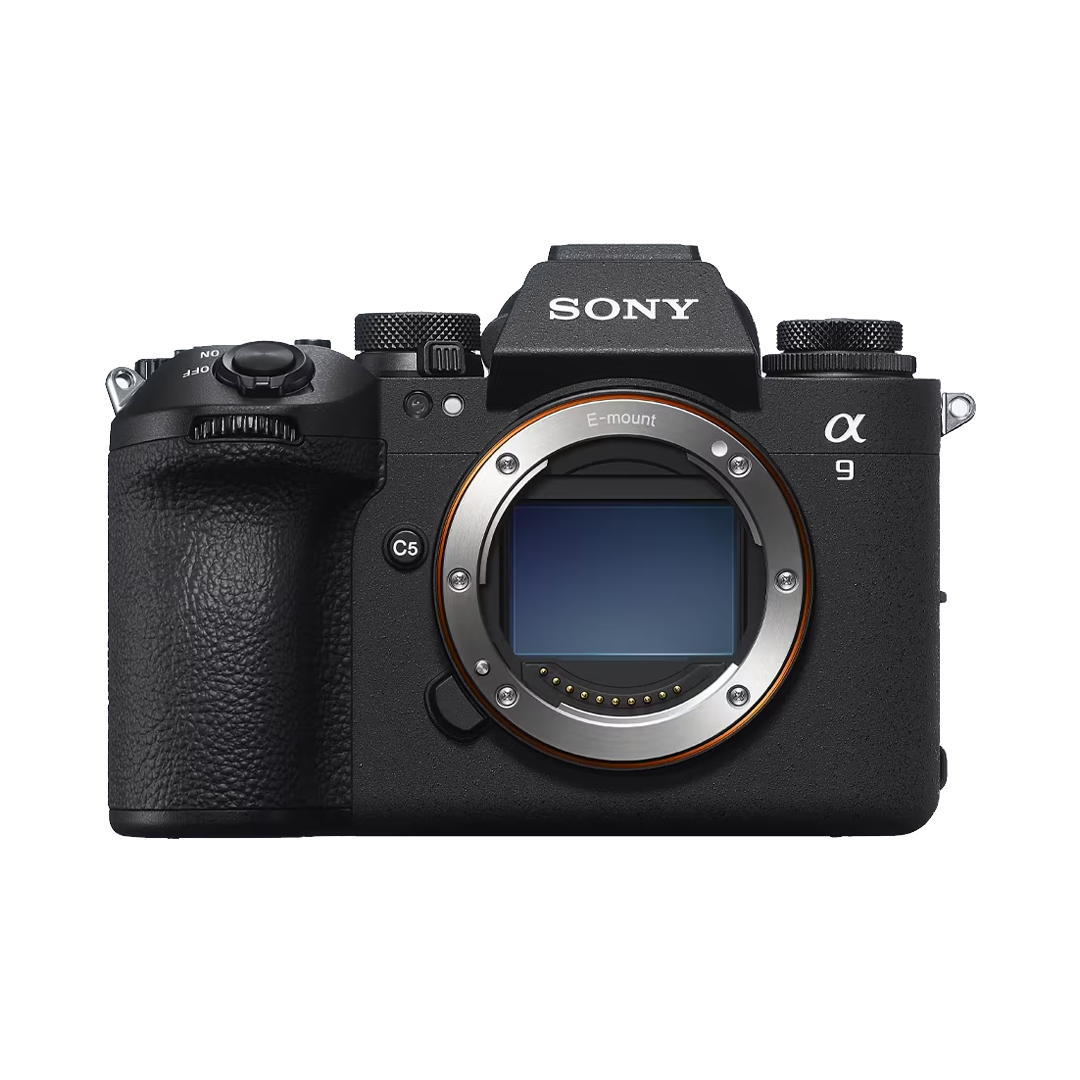
Featured Gear
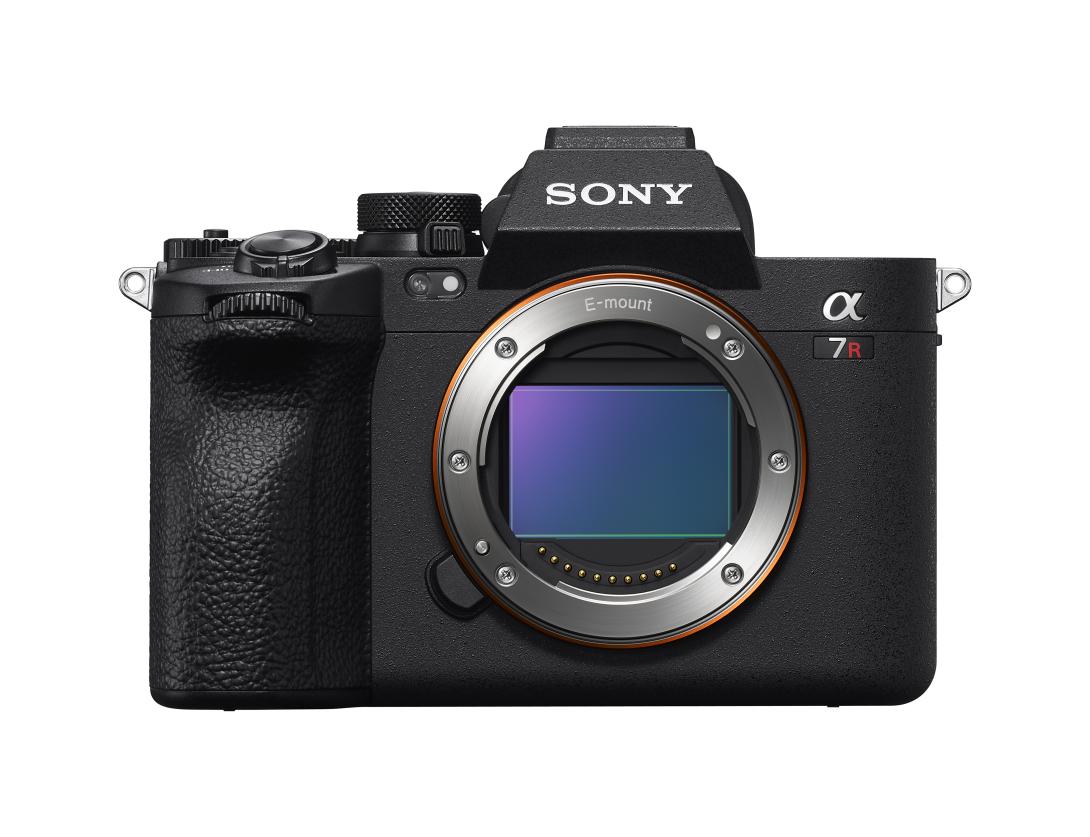

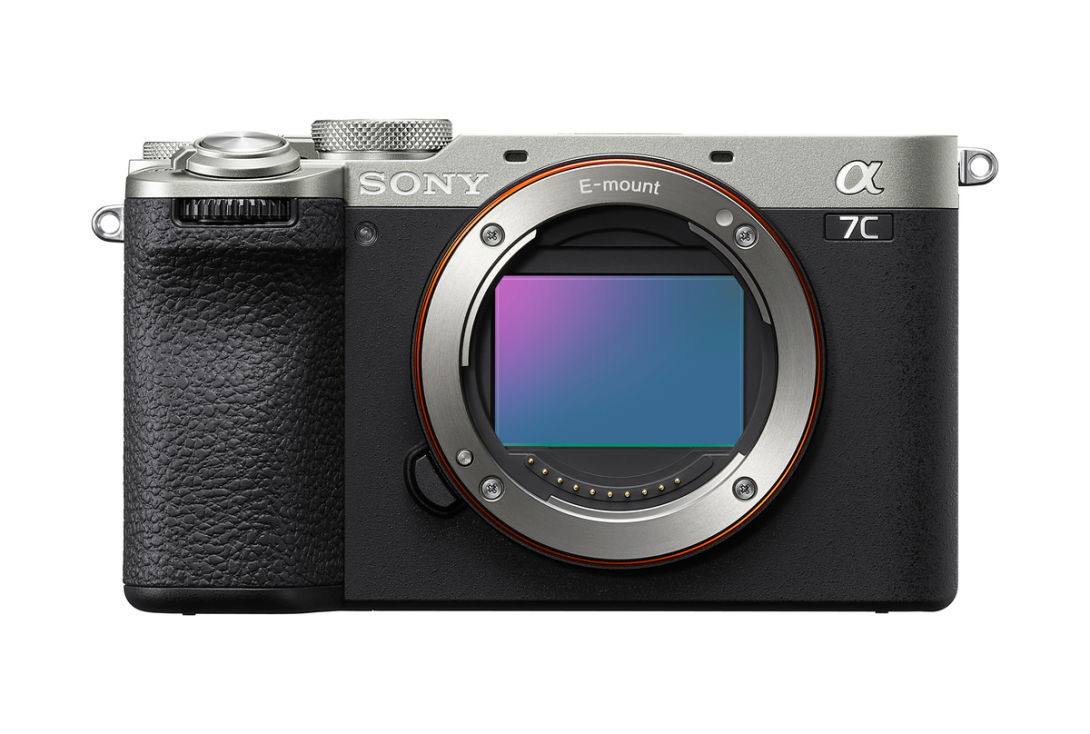
Skills
Photography Updated